
Choosing the Right Microsoft 365 Email Group: Distribution List vs Group vs Shared Mailbox
If you’re comparing Microsoft 365 Distribution List vs Group vs Shared Mailbox options, you’ve probably noticed it’s not obvious which one to use.
Microsoft 365 offers several types of email groups including Distribution Lists, Microsoft 365 Groups, and Shared Mailboxes, and each serves a different purpose.
These options aren’t interchangeable. Picking the right one can make your team more efficient or create more work later on.
Here’s a simple breakdown of the options:
1) Distribution List (Microsoft 365)
This is the original and simplest option. An email is sent directly to each member’s Inbox. That’s it. Each person can decide what to do with that email, and there’s no visibility into replies from anyone on the list.
The best use for the traditional distribution list is when you need to repeatedly send out information to a large group of people: such as announcements, alerts, company updates.
2) Microsoft 365 Group
The next step above the traditional Distribution List is a Group. A Group includes a shared inbox, but it’s really more of a collaboration hub than just email.
You also get:
- Shared files
- Calendar
- Task management
- Optional email subscriptions for members
People can choose whether emails show up in their personal inbox or just live in the Group.
Use it when a team is working together and needs a central place for communication and files. It’s also useful when some team members need real-time emails, while others just want visibility without inbox clutter.
3) Shared Mailbox (Microsoft 365)
This is built for teams managing a single email address, such as support@, sales@, info@, etc.
Everyone on the team can:
- Read incoming emails
- Reply to them
- Send emails from the shared address
All conversations stay in one place, so nothing gets lost.
Use it when multiple people need to manage and respond to the same inbox, especially when you want a consistent or shared identity. At SharpHat, we prefer a more personal touch for client support, so we typically use Groups. If you’re supporting an application where many unknown users are emailing for help, a Shared Mailbox would be the better fit.
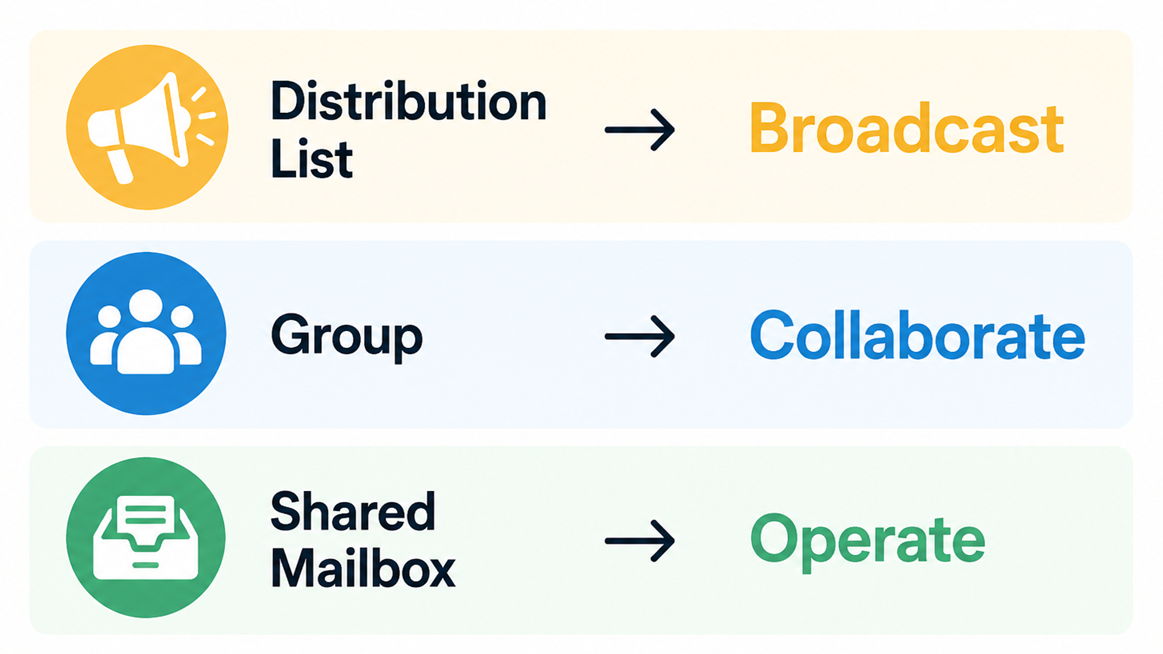
Quick Comparison: Distribution List vs Group vs Shared Mailbox
- Distribution List: Best for one-way communication (announcements, alerts)
- Microsoft 365 Group: Best for collaboration (shared files, conversations, teamwork)
- Shared Mailbox: Best for managing a shared inbox (support, sales, operations)
Simple Breakdown
Need assistance choosing the right one? Reach out and we can help!


